Daily profit & loss limit
In dollars, or as a percent of the higher of the day’s opening balance and equity, the way funded firms count it. When it is reached, open positions close and nothing trades until the firm’s next day.
For MetaTrader 5 on Windows
Charts, backtesting and account rules in one desktop app. The rules are held by a guard inside MetaTrader 5 itself, so they keep working when the app is closed.
Windows 10 and 11. Any MetaTrader 5 account, from a broker or a prop firm.
Account Governance
Rules you set yourself. Applied and locked.
Daily profit & loss limit
Max daily loss 4.5% · today −1.2%
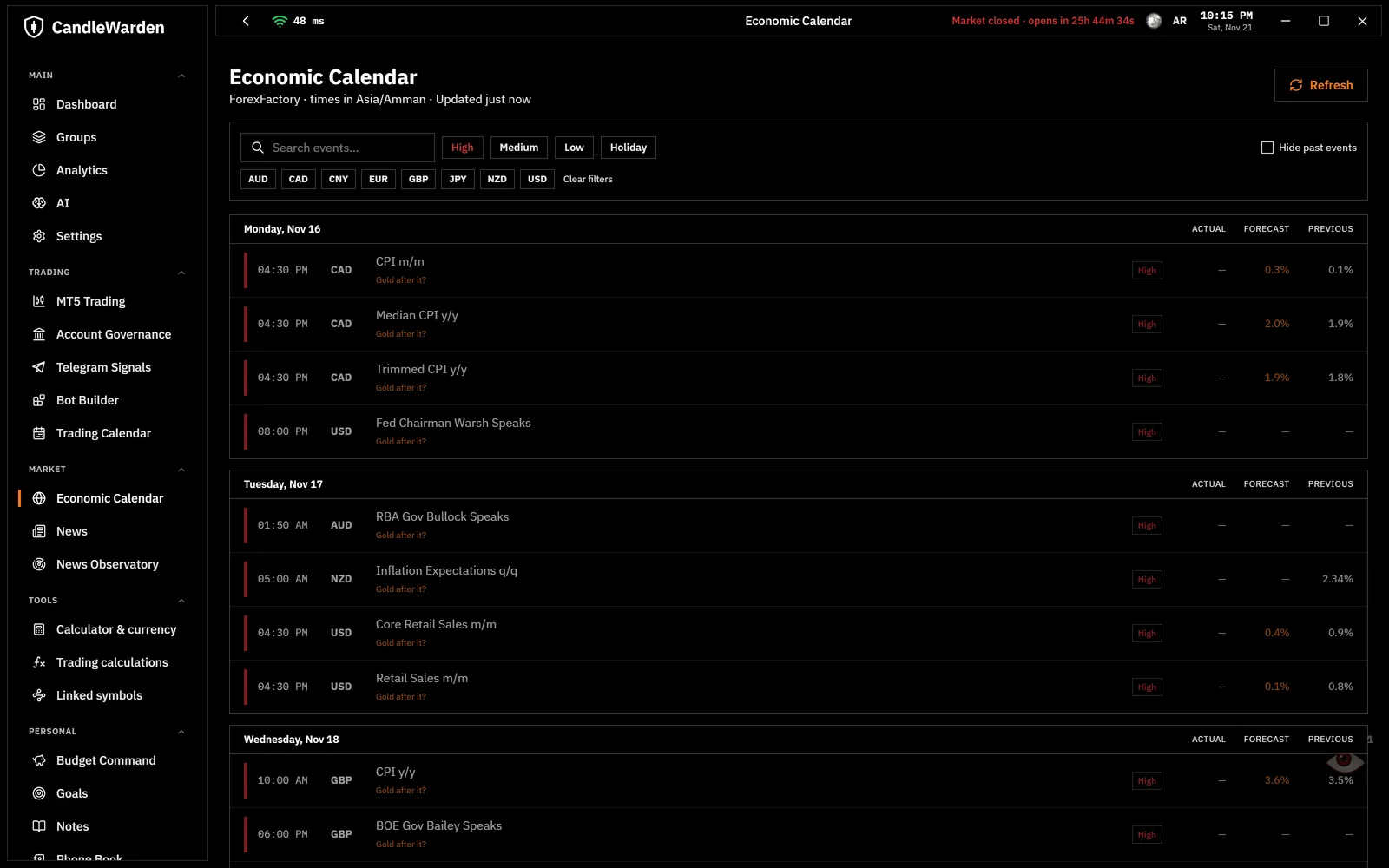
No trading around news
USD CPI 8:30 AM · held 8:25 – 8:35 AM
Lot ladder by balance
0.10 lot per $1,000 · never above 2.00
Daily trade count
Max 6 · today 3
Account rules
The app refuses an order that breaks a rule before it is sent. An Expert Advisor inside MetaTrader 5 checks every two seconds and closes a position that slips past, even one opened straight from MT5. Restarting MT5 does not reset it.
In dollars, or as a percent of the higher of the day’s opening balance and equity, the way funded firms count it. When it is reached, open positions close and nothing trades until the firm’s next day.
A loss limit over 2 to 30 trading days. When equity falls the share you set under the balance at the start of the period, trading stops until the period ends.
5 minutes before to 5 minutes after high-impact news, 10 minutes around speeches, matched to the currencies of each symbol. The four times are yours to set.
Every step of balance allows one more step of lot size, under a hard cap. A larger order is refused; a larger position opened from MT5 is closed.
Every new position counts, from the app or straight from MT5, including ones opened while the app was closed.
Orders outside the sessions you choose are refused. A new trade also waits while the spread is wider than a set multiple of its normal.
A stricter setting takes effect at once. A looser one waits for the next trading day. Turn on the lock and nothing can be changed until your balance drops under a level you choose. Every time is shown in your own clock, the broker’s and UTC.
Charts and market
The candles come straight from your MT5 terminal, so the chart shows what your account trades on.
Bots and backtesting
No code. Entry and exit rules, stops and targets, then a run over years of candles.
Pricing
Questions
No. You set the rules and you place the trades, by hand or with bots you build yourself. CandleWarden sends no signals and gives no advice.
Any firm that gives you a MetaTrader 5 account. You enter your firm’s limits yourself, so the rules match your own program. Set them a little under the firm’s own, to leave a margin.
The rules keep working. They are held by an Expert Advisor inside MetaTrader 5, so a trade opened straight from MT5 that breaks a rule is closed, with the app open or not.
A stricter rule takes effect at once. A change that loosens a rule waits for the next trading day. With the lock on, the rules cannot be changed at all until your balance drops under a level you choose.
No. The app runs on your computer and talks to the MetaTrader 5 terminal on that computer. There is no CandleWarden server between you and your broker.
A Windows 10 or 11 PC and MetaTrader 5 with an account from your broker or prop firm.